The song editor
Perform
Full-screen scrolling lyrics on a black background, for singing your song rather than writing it.
Showing the iOS appweb app
Perform puts your lyrics on a black screen in large type and gets everything else out of the way. It is for the moment you stop writing and start singing.
Open it from the ⋯ menu in the song editor.
On the web, click Perform in the song bar (on a phone browser it is in the bar along the bottom). It covers the whole browser window, and Esc closes it, as does the close button at the top right.
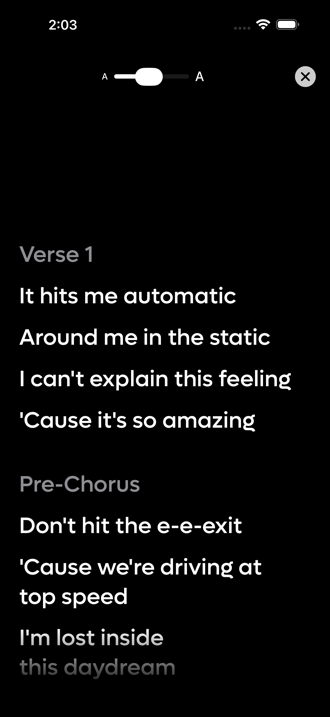 12
12
- 1Drag for bigger or smaller type
- 2Close and go back to the editor
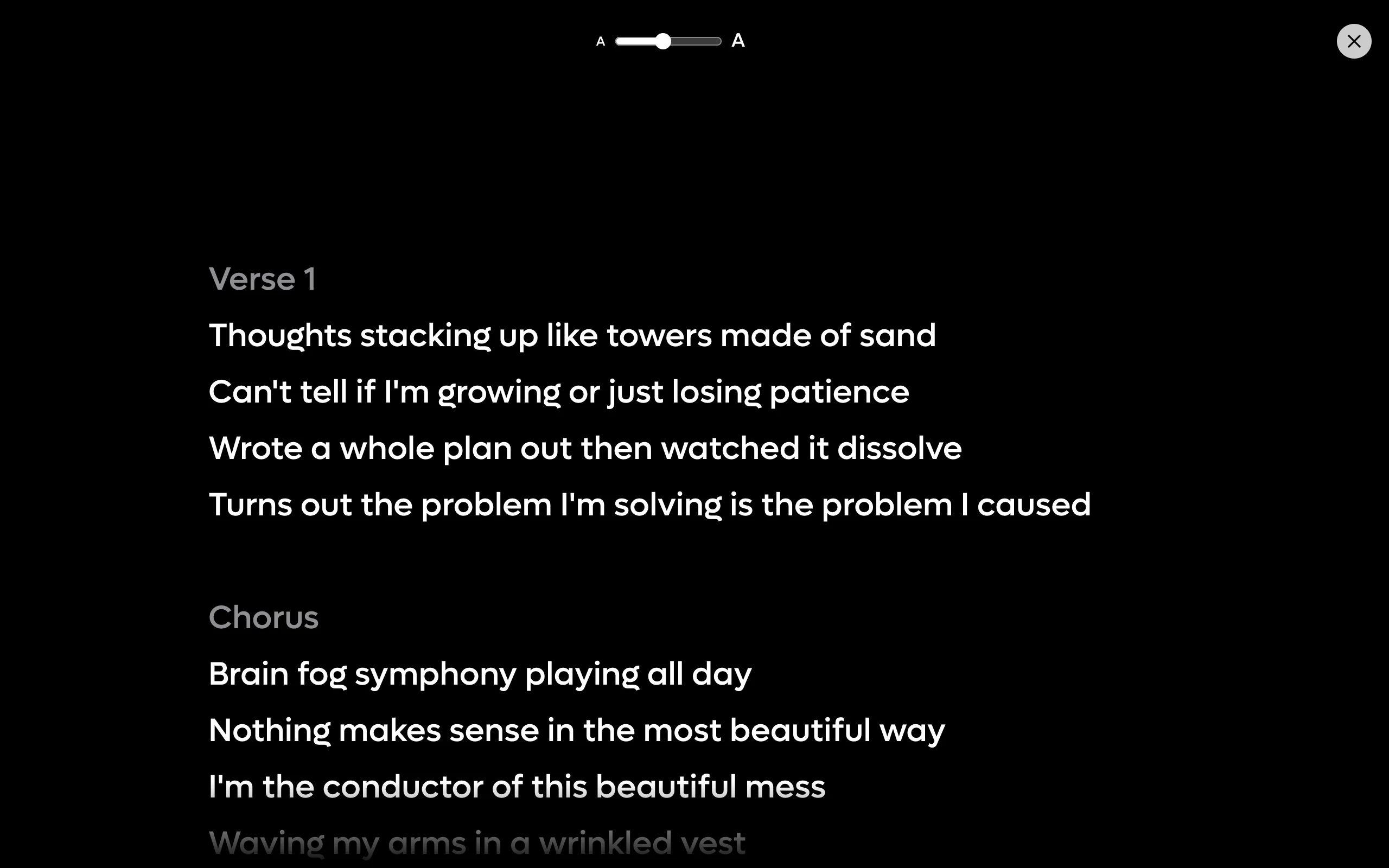 12
12
- 1Drag for bigger or smaller type
- 2Close and go back to the editor
What it changes#
- It fills the whole screen (since iOS 2.22), with nothing of the app left around it.
- The screen goes black and stays dark whatever your phone is set to, because a bright screen in a dim room is the wrong thing to be looking at. On the web it is black whatever your browser's theme.
- Your lyrics are white, your section headers are grey. You can see where the chorus starts without reading the words.
- The edges fade rather than cutting off, so a line that is halfway on screen looks deliberate.
- Nothing is editable. You cannot change a word by accident with a microphone in your hand.
The font size slider#
The slider at the top runs between a small A and a large A. Drag it until the words are readable from wherever your phone is propped.
Your choice sticks per song, so a song you have already set up opens the way you left it.
The web slider is labelled Text size and runs from 16 to 48 pixels. It starts at 30 each time you open Perform; the web does not remember it.
Greyed out in the menu#
Perform stays dimmed until the song has some lyrics. The web's button dims the same way. There is nothing to perform from an empty page, so the app does not offer it.
On a shared song#
A song with collaborators gets a picker at the top for choosing whose words to sing.
| Option | What it shows |
|---|---|
| Master | The agreed version of the song. |
| My Lyrics | Your own tab. |
| A collaborator's name | Their tab, with the song owner marked by a star. |
When the song has a Master, Perform opens on it by default, because the agreed version is usually the one you want to sing. Your choice is remembered per song.