Starting a song
Freestyle
Sing or speak into the app and get lyrics back.
Freestyle records you and transcribes what you sang or said into editable lyrics. It is built for the moment where the melody arrives before the words do.
Starting a Freestyle#
There are two ways in, and they behave differently on purpose.
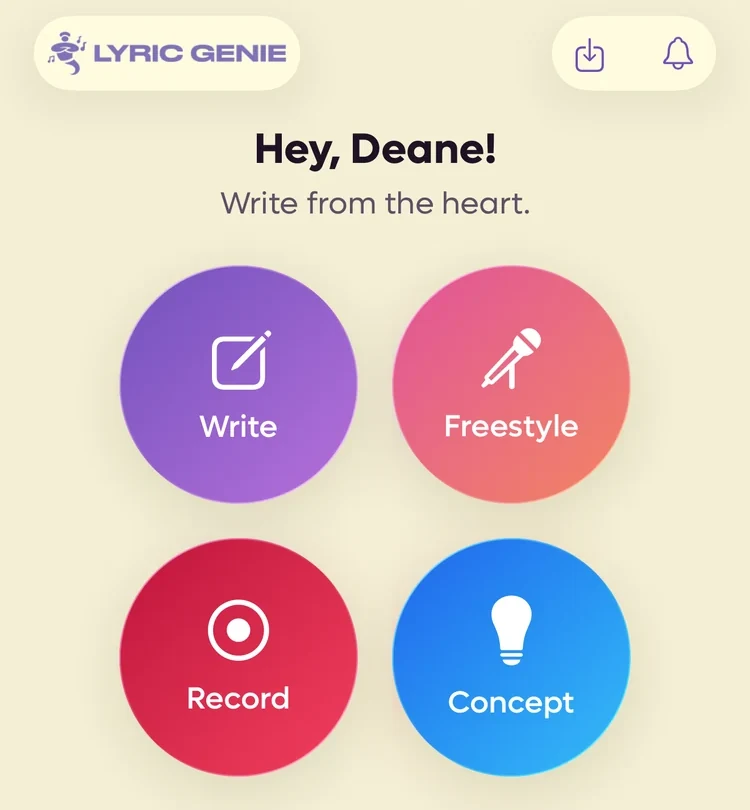
From the Start tab. Tapping Freestyle starts recording immediately. You tapped the button because you had something to sing, and making you tap a second time loses the take.
 1
1
- 1Recording starts the moment you tap
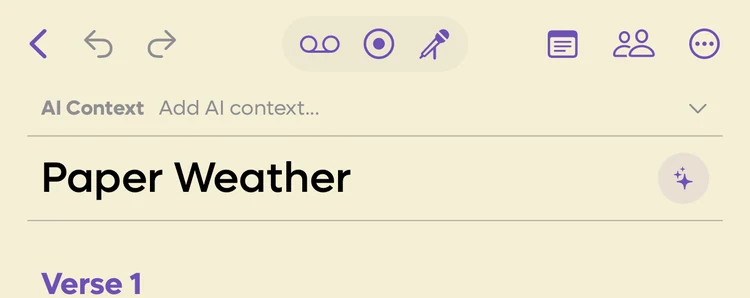
From inside a song. The microphone icon in the song editor opens Freestyle ready but not recording. You are already in a writing session, so the app waits for you.
 1
1
- 1Opens ready, and waits for you to start
While you are recording#
 123
123
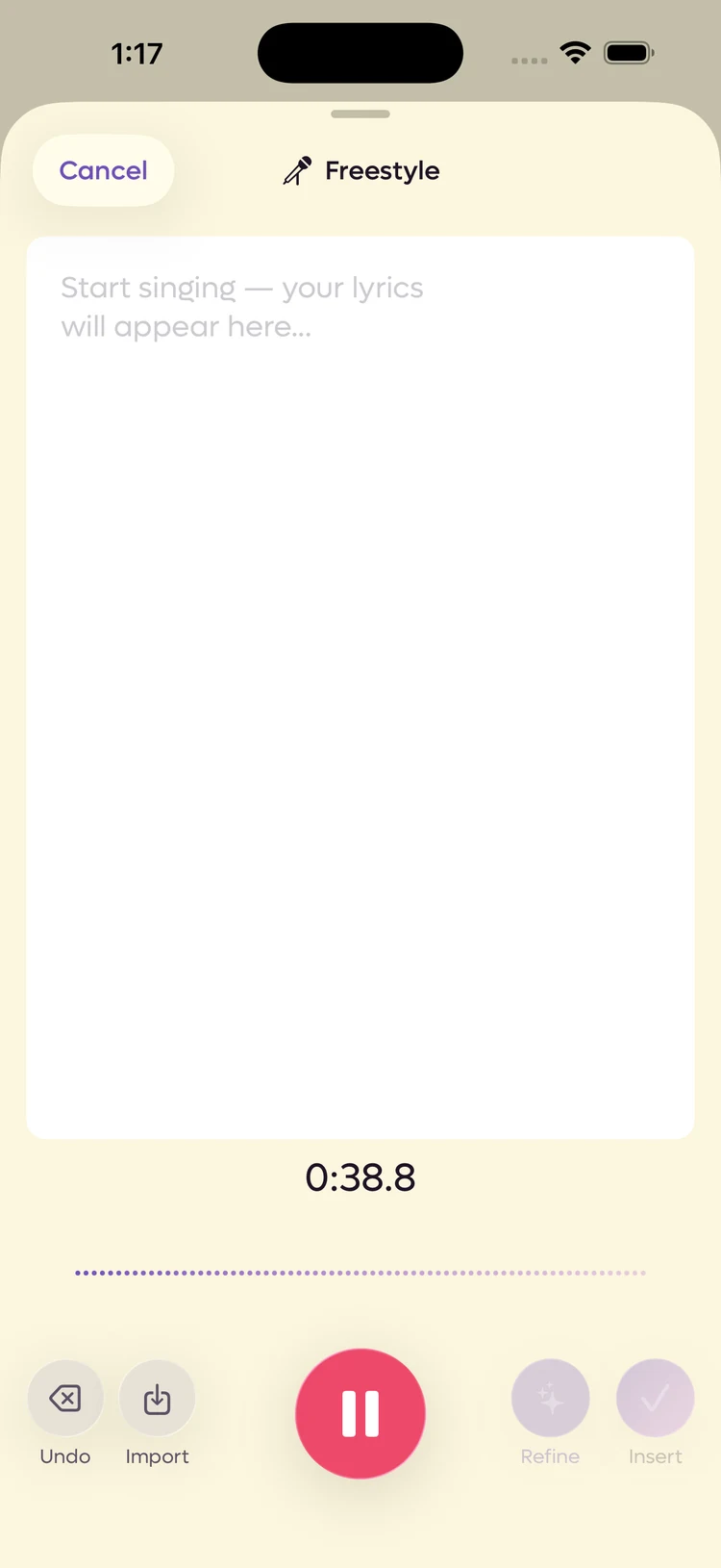
- 1The timecode counts recorded audio, not elapsed time
- 2Undo takes back the last stretch you sang
- 3Pause. The clock stops with it
The timecode counts the audio you have actually recorded. Pausing stops the clock, and resuming picks up where it left off, so the number always matches the length of the file rather than the time you spent with the screen open.
Undo takes back the last segment, meaning everything since you last started or resumed. Sing something you would rather not keep, pause, and tap Undo, and that stretch goes without costing you the take you already have. It is the reason to pause between ideas rather than running one long recording.
If nothing is picked up at all, so the take is silent, it is thrown away rather than saved as a recording of nothing.
When you stop#
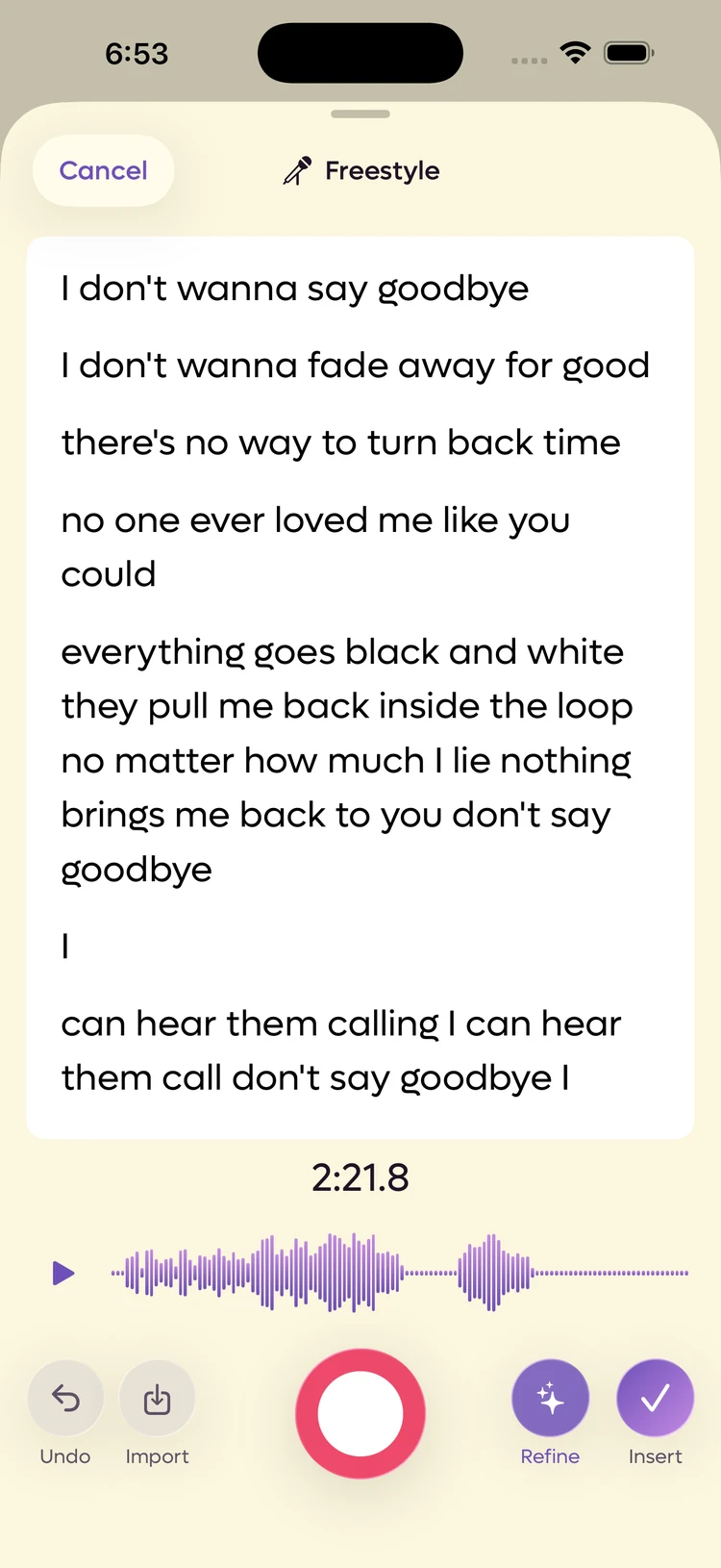
Pause and the take settles into an editable page of lyrics, with the waveform and the four buttons under it.
 12
12
- 1Refine hands the rough words to the AI
- 2Insert puts them in the song
The words are yours to fix. Tap anywhere and type. Transcription hears a mumbled line the way a stranger would, and the fastest fix is usually to correct it now while you still remember what you sang.
Lines you have not refined are purple. Raw transcription is tinted, and anything the AI has rewritten turns the normal text colour. It is a progress bar: the purple is what has not been looked at yet.
| Button | What it does |
|---|---|
| Undo | Steps back through the take, including an AI refine you did not like. |
| Import | Adds an audio file onto the end of the take. |
| Refine | Hands the raw transcription to the AI to tidy up. |
| Insert | Puts the lyrics in the song and keeps the audio. |
Import adds to the take rather than replacing it. The file goes on the end as another segment, its words are transcribed and appended below the lines you already have, and the result is still one recording. You can carry on recording on top of it, and Undo takes the import back out again.
Tapping Import part way through a take pauses the recording first, so the file lands after what you sang rather than behind it. If you had not sung anything yet, that silent take is thrown away instead of being left as dead air in front of the import.
What Refine does#
Refine is a tidy-up, not a rewrite. It goes through the transcription and swaps only the words that do not work, keeping the same number of lines and the same number of syllables in each one, so the take still fits the melody you sang it to. Placeholder sounds get the most attention: a line you filled with la la la comes back as real words of the same length.
That is the whole job. Refine will not add a verse, cut a line, or reorder anything. For writing that goes further, Insert the take and use Wish Workshop on it in the editor.
It asks for context first, every time#
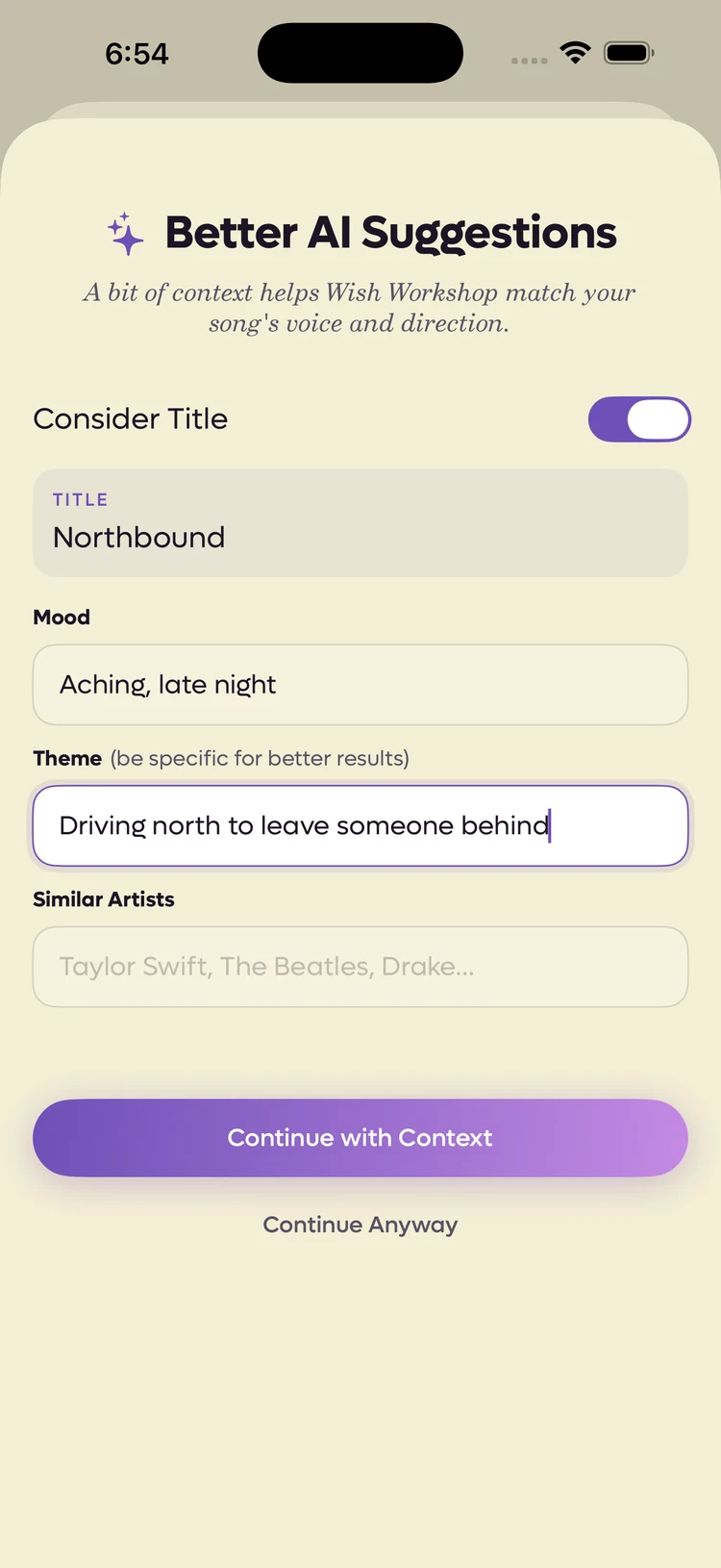
Tapping Refine always opens the context sheet before anything is sent, so you can steer each run rather than being stuck with what you answered once.
 12
12
- 1The same three questions Wish Workshop asks
- 2One saves your answers to the song, one does not
These are the song's AI Context fields, not Freestyle-only settings. Whatever the song already has is filled in, and what you type is what the rest of the song's AI tools will use afterwards.
| Button | What it does |
|---|---|
| Continue with Context | Saves your answers to the song, then refines. |
| Continue Anyway | Refines with what is on screen without saving it. |
A specific theme is worth more than a mood. Driving north to leave someone behind gives the AI something to aim at; sad does not.
After it runs#
The refined lines come back in the normal text colour rather than purple, and the whole take is one step on the undo stack. If you preferred the raw version, tap Undo once and it comes straight back.
What Insert actually does#
Three things at once, which is the part worth knowing.
- The lyrics go to the end of the song, after a blank line if there was already something there. They are ordinary lines you can edit or delete.
- The audio is saved as a recording on that song, called Freestyle.
- The recording is tied to the lines it produced. Not to the song as a whole, to those exact words.
That third one is the reason to use Freestyle over recording and typing separately. Months later the take is still attached to the lines that came out of it, so you can play back how you sang them. See Recordings in a song.
When transcription has a problem#
Transcription needs a network connection. The audio does not. If transcription fails, you get a message saying so, and the recording keeps going. Your audio is still captured and still saved.
Length limits#
A single Freestyle take is capped at 5 minutes on the free plan and 60 minutes on Pro. When you reach the cap, recording stops and tells you why rather than cutting out silently.
Full numbers are on Plan limits.